



A website maintenance retainer gives you ongoing support under an agreed scope. Pay-as-you-go support charges for individual jobs when you request them. The better fit depends on who owns routine care, how much downtime would cost you, and whether the provider can respond when your website needs help.
If your checkout fails on Saturday, compare what happens after you report it. Who can start work? Do they already have access? Does someone test the checkout before you reopen it? Those answers make it easier to compare a monthly fee with an hourly quote.
| Decision | Retainer | Pay-as-you-go |
|---|---|---|
| Start of work | Scheduled checks and covered requests | Work starts after an accepted request |
| Billing | Recurring fee plus any extras | Hourly or fixed fee per job |
| Monitoring | Included when specified | Usually owned separately |
| Urgency | Check hours and escalation terms | Check availability and surcharges |
What does each support arrangement cover?
A website maintenance retainer is a recurring agreement for defined work or access to a support team. It can include routine updates, backups, monitoring, a monthly report, a response commitment, or a set number of hours. Some retainers reserve capacity while charging separately for work. Read the scope and billing terms together to understand what the fee buys.
Pay-as-you-go support starts when you request a job. A provider may quote a fixed price for a defined issue, charge by the hour, or require an initial diagnosis before offering an estimate. Ask when the support queue starts, whether there is a minimum charge, and whether the provider needs to approve access before accepting the job. Those steps matter when a feature is already down.
WordPress maintenance plans illustrate how different monthly agreements can be. WP Buffs lists inclusions by plan, while WP Resolve lists ongoing plans alongside separate one-off emergency fixes. Compare the written terms for the particular offer you are considering. A provider’s service page can help you shortlist options, but the proposal should say what applies to your site. WP Buffs plan comparison and WP Resolve services.
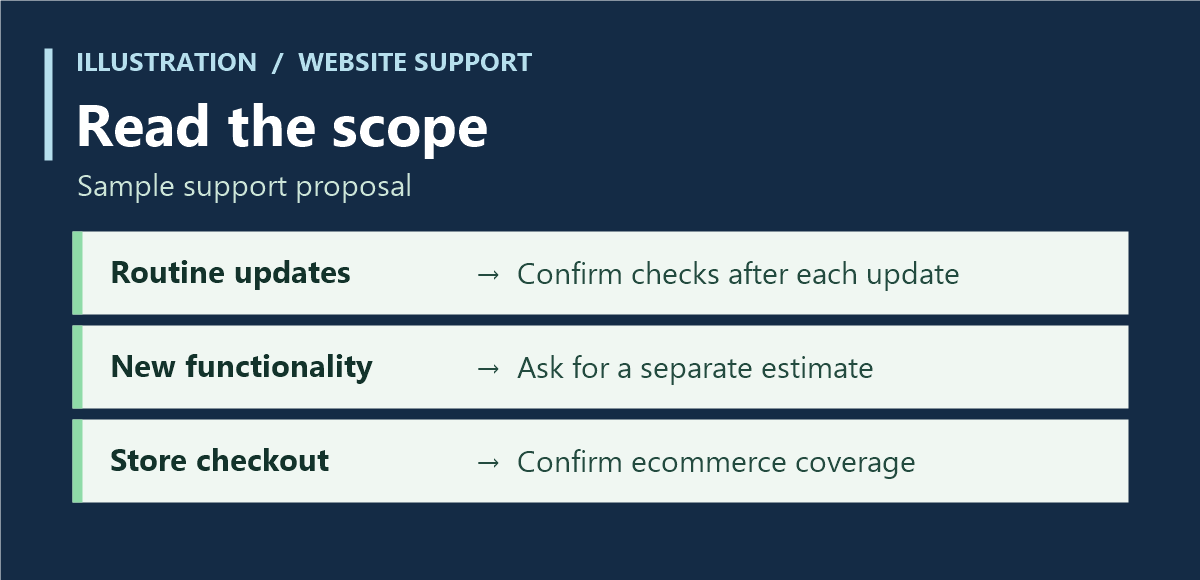
↳ Ask whether the team tests critical pages after updating.
↳ Check where a repair ends and development begins.
↳ Name the workflow you expect the provider to support.
What does a response commitment actually buy?
Ask what counts as a response. An automated receipt tells you the ticket arrived. An acknowledgement from a support person tells you someone has seen it. An engineer starting work is a different event, and service restoration is another. A proposal might commit to one of these times and give an estimate for the others.
Read the time zone and support window. Four business hours from Friday afternoon can run into Monday if weekends are excluded. If your team works in India but a provider measures business hours in the UK or US, ask the provider to put the applicable hours and holiday calendar in writing. For a shop taking orders on weekends, ask which incidents qualify for after-hours handling and how to raise them.
A monitoring service may run all day even when technical support has limited hours. Ask who receives alerts, what they do after an alert, and whether the plan covers the first round of investigation. An uptime check can confirm that a page returns a response, while a separate workflow check can detect a broken form or checkout. Define the customer actions you care about instead of relying on the word monitoring alone.
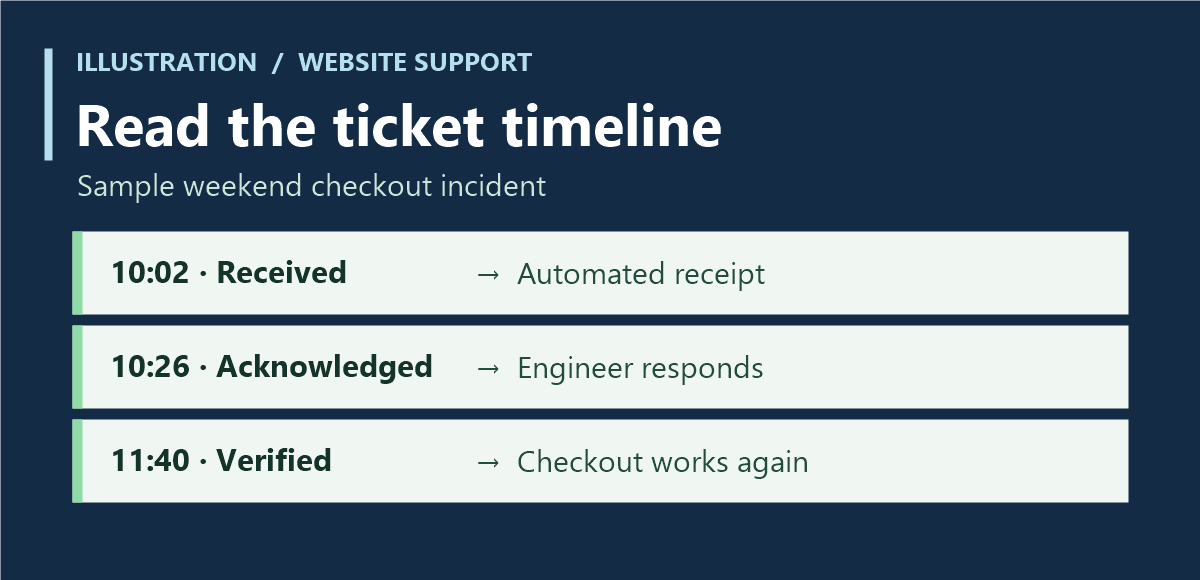
↳ An automated receipt confirms delivery.
↳ Check which timestamp the response target measures.
↳ Track restoration separately from the first reply.
What happens when checkout breaks?
Imagine a retailer sees successful product views on Saturday morning but customers cannot complete payment. The retailer sends the affected URL, a screenshot of the error and the first time the team noticed it. The store may still receive payments through other routes. Whoever investigates should confirm the failure before retrying transactions or changing live settings.
Under a retainer with explicit weekend ecommerce incident coverage, the support team can use its agreed access and start the included checks. The contract still determines whether work on a third-party payment gateway is included. If a gateway outage caused the problem, ask who opens the vendor ticket, who communicates with the owner, and who checks for delayed or unmatched orders afterwards.
Under a pay-as-you-go arrangement, an existing provider may already know the store and have approved access. A new provider may need to check availability, collect credentials securely and get approval for diagnosis. Paying for a one-off emergency service may work well when you have an agreed process and a named person who can authorise the spend.
In either arrangement, define what a successful fix looks like. An engineer can check the payment step using the store’s approved test process and verify the order appears in the dashboard. Someone should check inventory, notifications and reconciliation if the incident affected real orders. Keep the decision to restore a database separate from the decision to restart checkout. WooCommerce troubleshooting guidance.
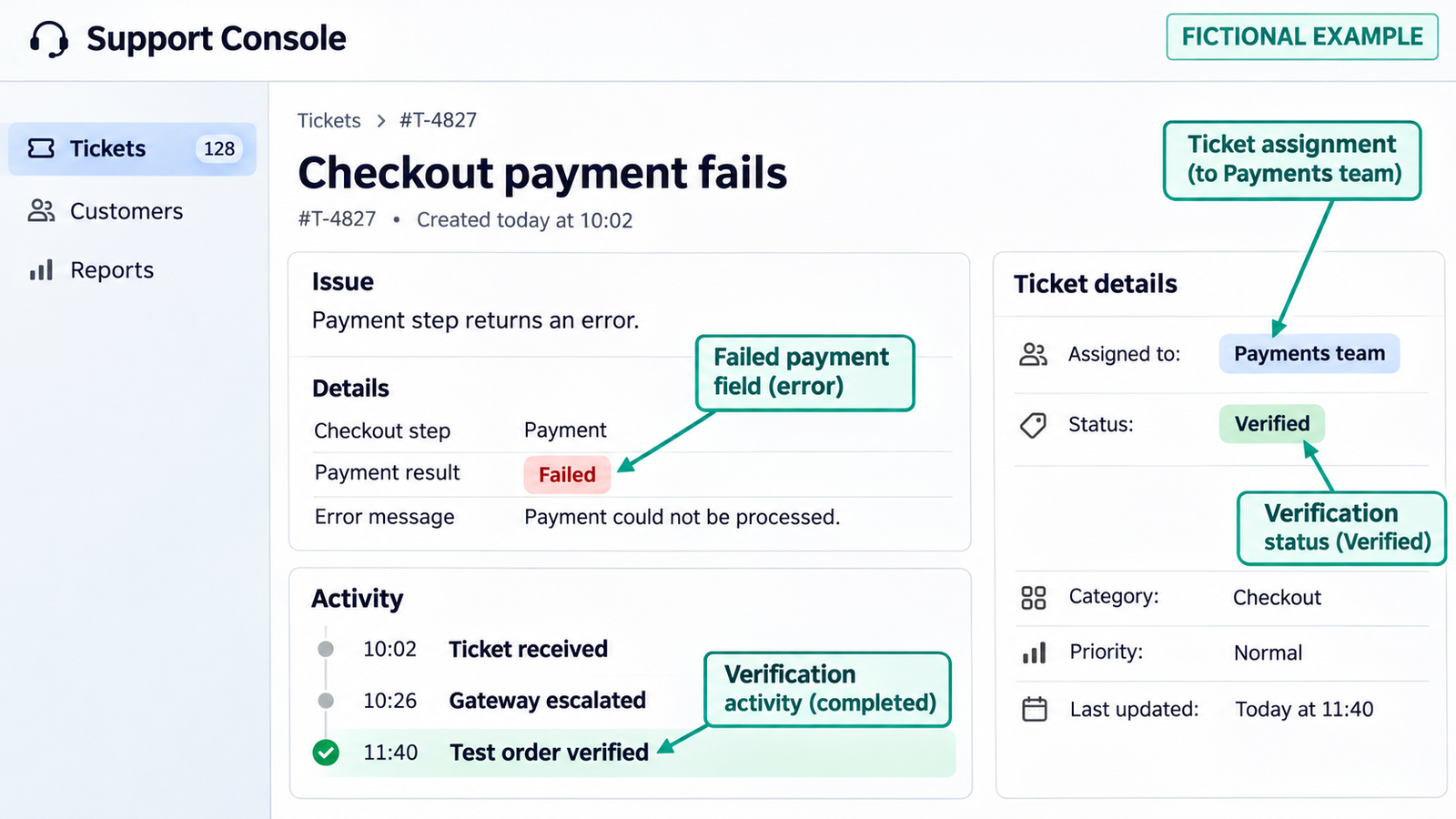
↳ Test the customer journey and identify the affected step.
↳ Confirm who owns escalation and customer updates.
↳ Agree on evidence that the incident is resolved.
How do you compare the cost of a retainer and hourly support?
Put both quotes on the same time horizon, such as three months. For the retainer, add the recurring fee, onboarding, likely overages and out-of-scope work. For pay-as-you-go, add the hours you expect to buy, the minimum charge per incident and any after-hours surcharge. Include routine work your own team will do in either case. Compare equivalent taxes and currencies when the quotes come from different countries.
For illustration, consider a retainer at ₹12,000 per month and hourly support at ₹2,500. Over three months, the base retainer costs ₹36,000. At the illustrative hourly rate, 12 hours cost ₹30,000 and 16 hours cost ₹40,000. The base fees cross at 14.4 hours. These are fictional numbers to show the calculation. Your proposals may include different work, so compare what each option covers before using the break-even point.
Ask what happens if you use none of your included hours or exceed the limit. A provider may allow some rollover, use it only within the next month, or require separate approval for extra time. Ask how the provider bills investigation, calls, emergency work and documentation. A quote that looks affordable can change once the team starts routing small requests through it.
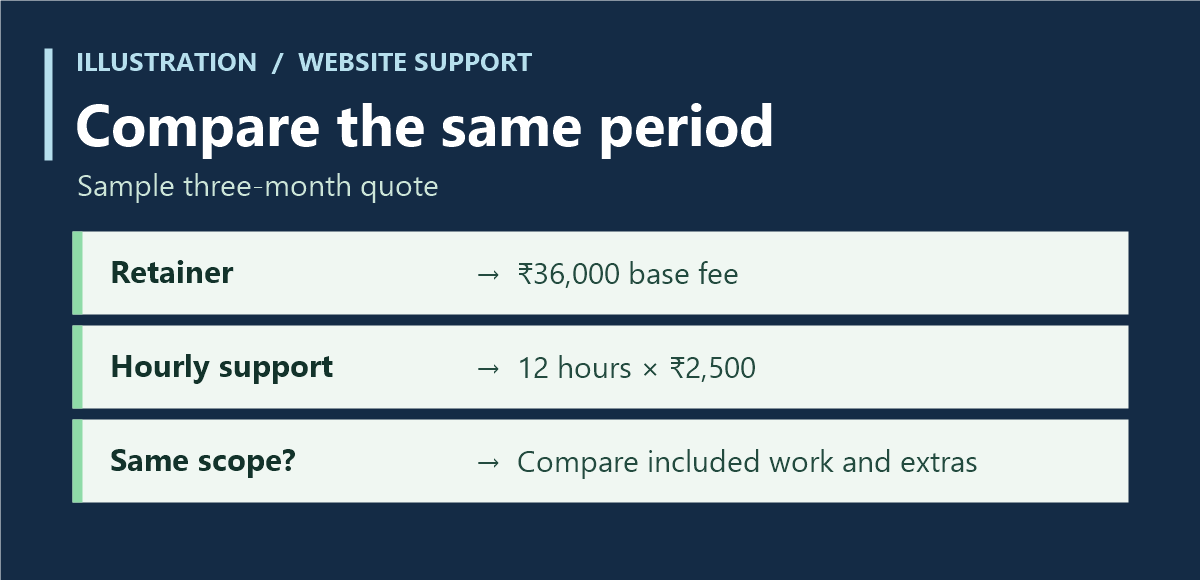
↳ Add onboarding, out-of-scope work and overages.
↳ Add minimums and urgent surcharges where applicable.
↳ Mark routine checks that your own team would otherwise cover.
When is each arrangement a better fit?
Consider a retainer when important site functions need regular attention and nobody internally owns that work. It can make sense for stores, membership sites and booking systems that change frequently. Look for concrete tasks such as restoring a test backup periodically, checking a booking path after updates and reporting issues with an owner and follow-up date.
Pay-as-you-go can suit a simpler site with infrequent changes, a capable internal owner and a trusted provider for occasional fixes. Agree on the handoff before you need it. Know who can approve work, where access is held and when the provider is available. Have someone own routine updates, backups and monitoring even if you buy repairs separately. WordPress backup guidance.
A hybrid can be practical when a host handles infrastructure, an internal person checks the site weekly and a specialist takes on incidents or development by quote. Write down which team handles each layer. Ask who investigates if a form stops delivering or the site becomes slow. Assigning the work beforehand avoids the delay of multiple teams assuming another provider owns it.
What should you ask before signing?
Give both providers the same scenario and ask for a written walkthrough. Say the checkout failed at a specific time and ask who notices, when a human responds, when someone can begin work and what triggers a new charge. Ask them to explain who checks that orders and confirmation emails work afterwards. Use the same test for the site’s most valuable lead form if you do not sell online.
Ask for an example report with customer information removed. Check whether it distinguishes completed work, failed updates, incidents and pending recommendations. Find out where backups live, who can restore them and who approves any restoration that could replace new orders or enquiries. Agree how your team gets its records back if you change providers.
Finally, decide what would cause you to change the arrangement. A brochure site may need more oversight after adding bookings. A store may want a tighter response commitment ahead of a busy season. If you need a starting point for defining the scope, check the site’s public DNS, HTTPS and other technical signals with the website diagnostic toolkit, or request a website review to discuss what your team needs covered.
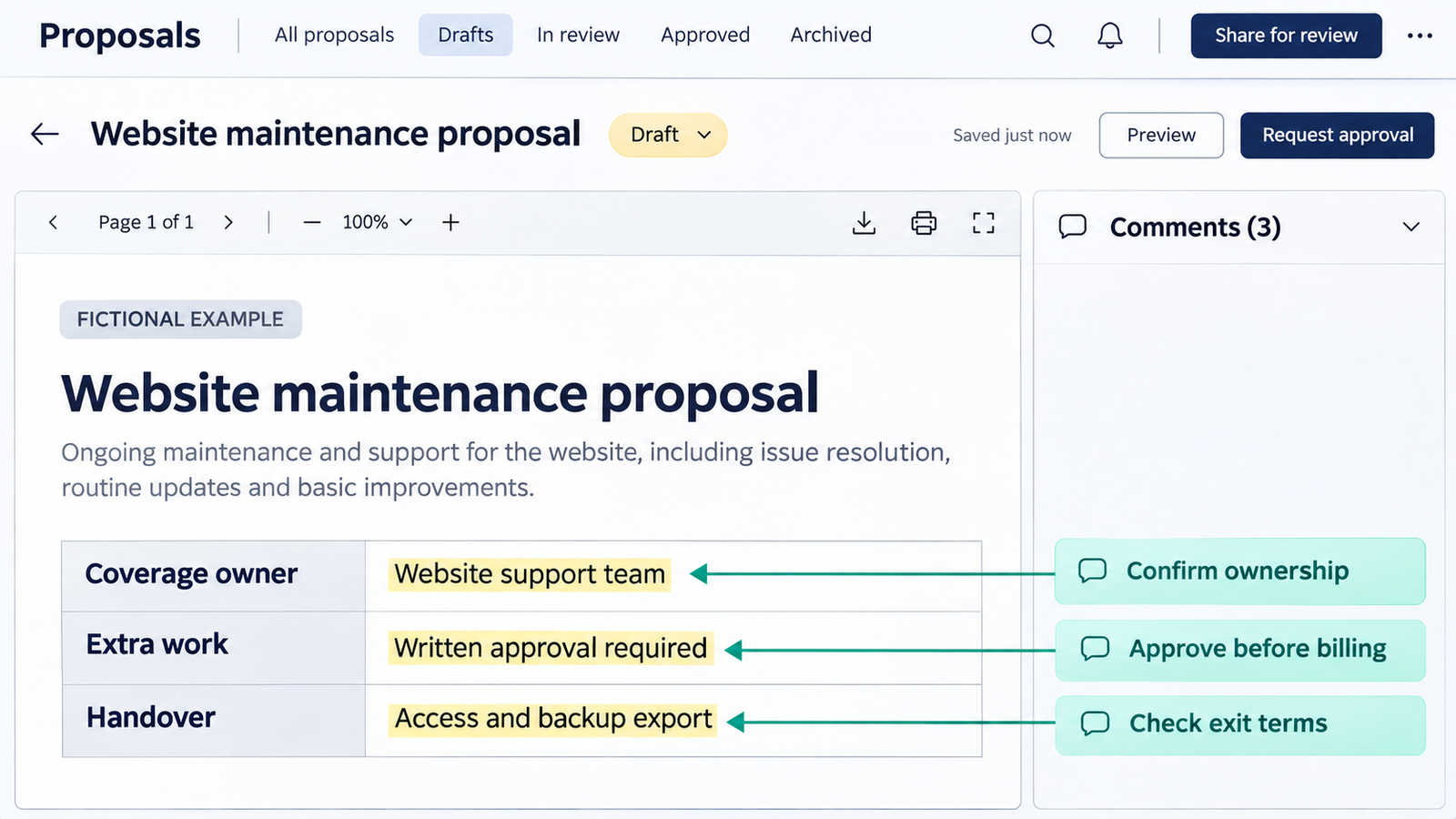
↳ Confirm who checks backups, monitoring and checkout.
↳ Set the amount and identify the approver.
↳ Confirm how you receive documentation and backups when the agreement ends.
Ask each provider what happens in a quiet month. In a care plan, the value may be the work that still takes place when nobody opens a ticket. Look for specific evidence, such as a dated backup check or a list of updates tested against the site’s key journeys. If the agreement mainly reserves a place in the queue, ask how much notice the team needs and how it handles simultaneous incidents across clients.
Now compare a busy month. Suppose a scheduled update causes one problem and a new feature request arrives in the same week. Ask which work uses included capacity, what happens if you reach the cap, and whether urgent repair can proceed while a separate development estimate is pending. A written answer makes it easier to budget and gives the person approving the invoice something to check.
Before making a decision, ask the person who currently owns the website to walk through a recent support request. Note when the problem was first seen, who could approve access, and which checks showed that customers could use the site again. Use that timeline when comparing proposals. It tells you where ongoing coverage would save your team time and where an occasional specialist may be enough.
Compare both proposals with the person who approves emergency work and the person who checks the final result.
Frequently asked questions
Does a retainer guarantee a fix within a set time?
Only if the agreement makes that specific commitment. Read the response target, coverage window and any restoration target separately.
Can I buy an emergency WordPress fix without a monthly plan?
Some providers offer one-off repairs. Ask when work can begin, what diagnosis includes and what happens if the issue turns out to be outside scope.
Do unused maintenance hours roll over?
That depends on the agreement. Check expiry, limits and whether unused hours can be used for larger tasks.
Is managed hosting the same as a maintenance retainer?
Hosting and maintenance can overlap. Ask the host what it covers at the server level and who owns updates, integrations and testing on the website itself.