
- About Us
- Services
- Blog
- Tools
- Careers
- Contact Us

FREE WEBSITE HEALTH CHECKER
Website Diagnostic Toolkit
Check the technical signals that affect your website’s visibility, trust, and usability.
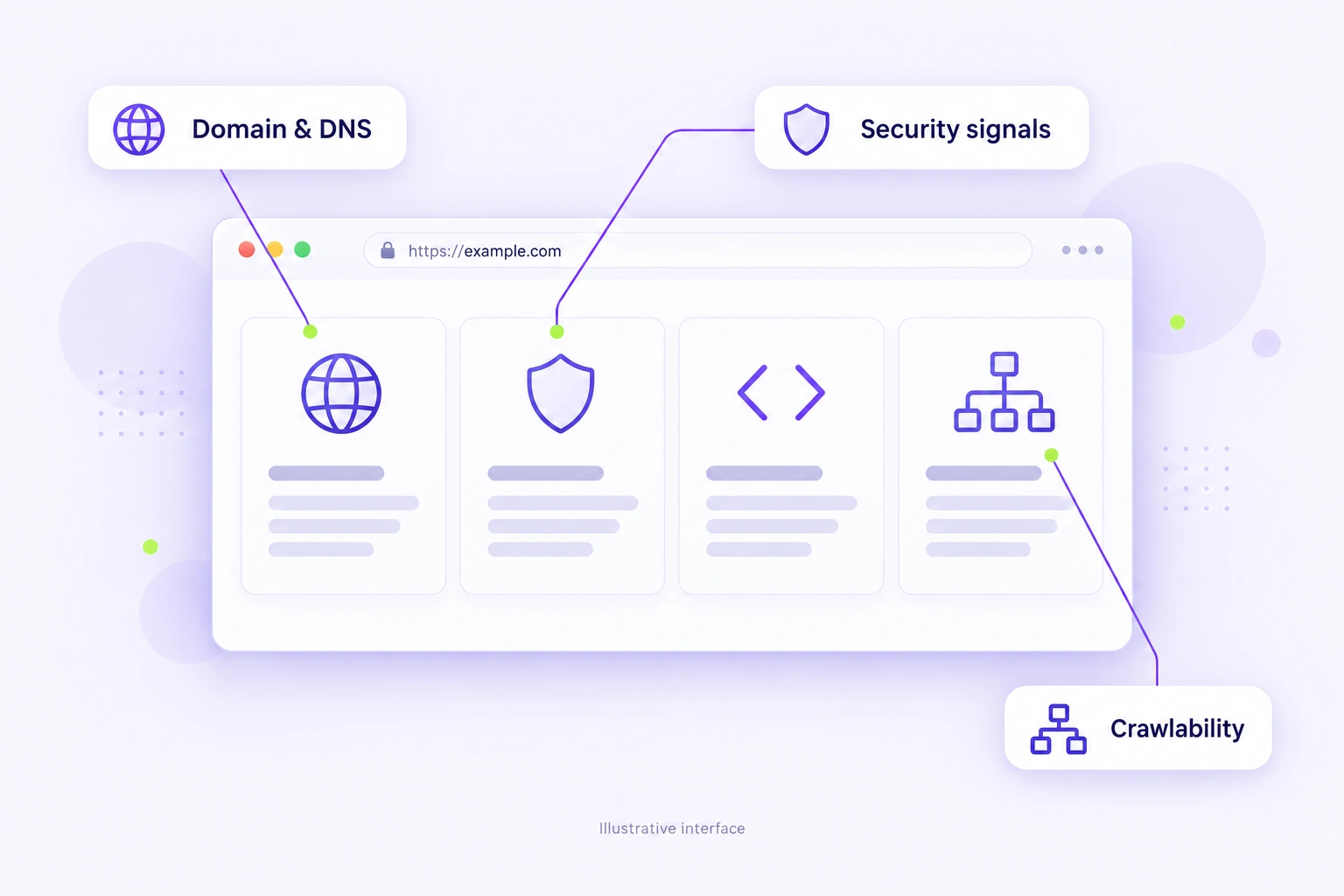
Domain details, DNS, SSL, HTTP headers, technology, crawlability, and meta tags — in one place.
Enter one public domain. Private IPs, localhost, and internal networks are blocked.
A clearer view of your website’s technical setup.
Domain & hosting
Security & delivery
Search foundations
Your results appear after you run an audit.
UNDERSTAND YOUR WEBSITE
What is a website diagnostic tool?
A website diagnostic tool reviews publicly available technical signals such as DNS, HTTPS, response headers, crawl directives, and metadata. It gives you a starting point for investigating website issues.
A technical diagnostic report supports a deeper review; it is not a full manual SEO, security, or performance audit.
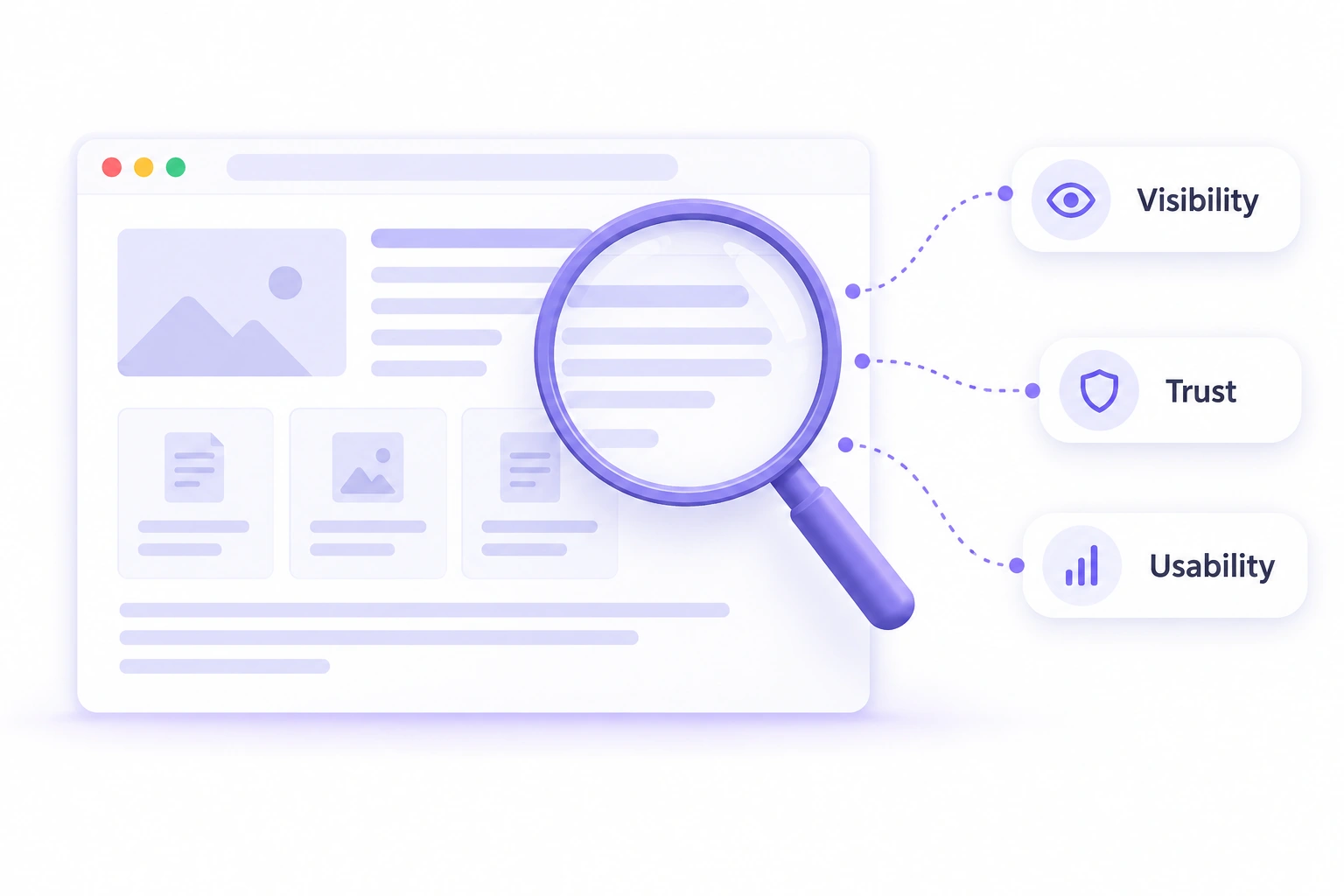
10 technical checks. One clear starting point.
Understand what each check covers before you run your audit.
Domain age
Registration history
Renewal date
Domain continuity
DNS records
Routing & mail records
SSL certificate
HTTPS certificate details
IP address
Public host resolution
HTTP headers
Response & policy signals
Technology stack
Publicly detected tools
robots.txt
Crawler instructions
XML sitemap
URL discovery file
Meta tags
Homepage search metadata
From a domain to a practical next step.
01
Enter your domain
Use the public domain you want to review.
02
Read the checks
Review the available results and explanations.
03
Prioritize improvements
Use the findings to guide a deeper review.
Website Diagnostic Toolkit FAQs
What does the website diagnostic tool check?
It checks public domain information, DNS, SSL certificate details, IP resolution, HTTP headers, publicly detected website technology, robots.txt, sitemap availability, and homepage meta tags. The report explains each available result and provides recommendations for further review.
Is this a full SEO or security audit?
No. This is a first-level review of public technical signals. It does not replace a manual SEO audit, penetration test, malware scan, accessibility audit, or Core Web Vitals measurement. Use specialist tools and expert review for those needs.
Why can some checks return no data?
Registration providers may withhold dates, servers may block automated requests, and files may use locations the tool does not check. A missing result or warning is not always a confirmed fault. Read the explanation and verify the finding before changing your website.
Does domain age determine search rankings?
Domain age alone does not determine how well a website ranks. Registration history provides context, but useful content, relevance, technical access, authority, and competition still matter. An older domain can also have an unhelpful history, so review it in context.
Can the tool guarantee better rankings?
No. The tool identifies technical signals to investigate; it does not automatically fix them or guarantee Google rankings, indexing, or inclusion in AI-generated answers. Use the report alongside useful content, internal links, a clear user experience, and a broader search strategy.
What should I do after running the checks?
First investigate problems that affect access and trust, such as DNS failures, expired certificates, unreachable pages, or unintended indexing blocks. Then review metadata, headers, and other recommendations. You can copy findings, print the report, or download it for discussion with your developer or SEO team.
Learn more: Google’s SEO Starter Guide · MDN’s HTTP headers reference.
Turn technical findings into a better website.
Talk to Webinnovators about the website, SEO, or usability issues you want to improve.
Website Development · SEO & Local SEO · Ads & Lead Generation

DISCUSS NEW PROJECT OR JUST TO SAY HELLO GET IN TOUCH WITH US
hello@webinnoovators.com
6th Floor, Ecospace Business Park, 2A, AA II, Premises, Newtown, Rajarhat, Kolkata, West Bengal 700156
© Webinnovators 2025 . All rights reserved.Webinnovators